SoftLedger
SoftLedger
Multi-Entity Compliance

Your client files are everywhere. That's the problem.

Keep documentation consistent across entities and jurisdictions. Cut out the manual work. Always ready for an audit.

When you're managing multiple client entities, the files end up scattered. Email, cloud folders, local drives, spreadsheets—pick one. Then you hit the inevitable gaps. Audit trails get thin. Clients call back because you can't find where a discrepancy came from, and you've got maybe 30 seconds to look.

SoftLedger pulls all the client records into one place and ties them to your QuickBooks or Xero setup. Every document follows the same structure. Reconciliation stops being a treasure hunt and becomes something you can actually verify. You see what changed, who did it, and exactly when.

Less time digging through backup folders. Fewer mistakes. Faster answers when clients ask questions.

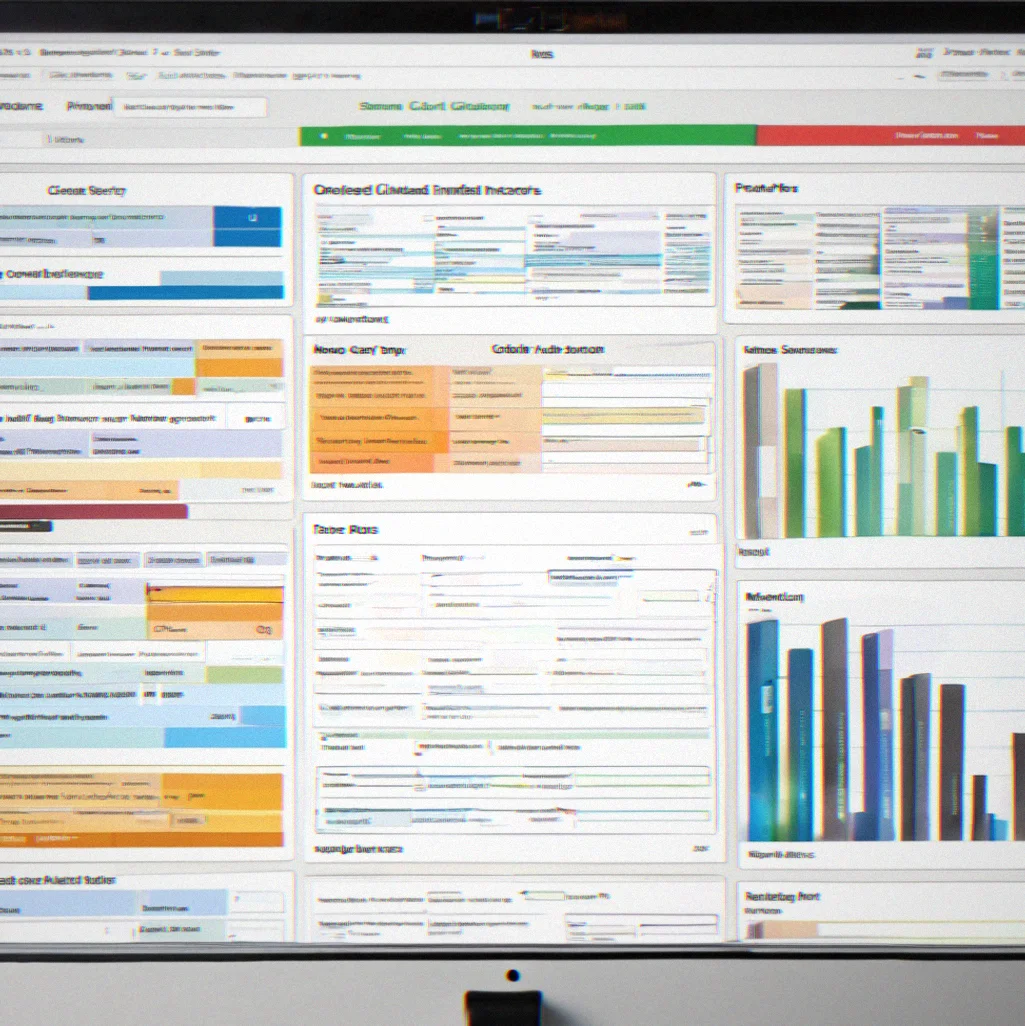
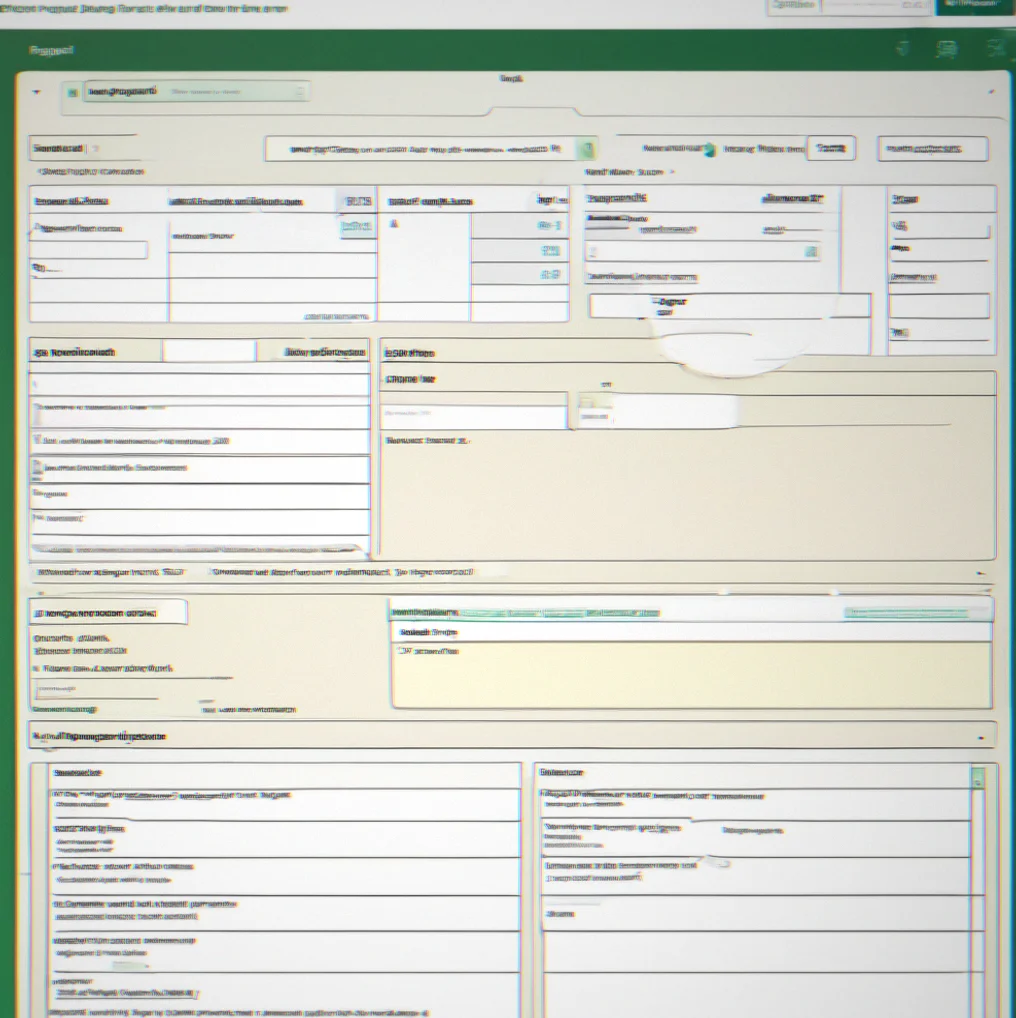
Dashboard showing organized client files with audit trail and compliance status

Enterprise-Grade Document Management

Feature 1

Consolidated File Structure

+

You shouldn't have to keep separate folders for each client entity. SoftLedger uses one filing system whether you're managing 5 entities or 50. Reconciliation happens in one place instead of scattered across multiple locations and every document goes to the same spot every time.

Feature 2

Audit Trail Enforcement

+

Every change gets logged with a timestamp, user ID and what it was before. No more wondering who deleted that receipt or when something changed in a journal entry. When an auditor asks about reconciliation, you show them the trail instead of trying to piece it together later.

Feature 3

QuickBooks and Xero Integration

+

Your files sync straight into QB or Xero. You're not building a second system on the side. SoftLedger works with what you already have, and updated client records push over automatically without you typing everything in again.

Feature 4

Audit-Ready Exports

+

Documentation packages come out pre-formatted for audits. The files are already organized by entity, category, and date. Auditors see a clean, complete picture right away instead of having to dig through chaos.

Feature 5

Reduced Manual Reconciliation

+

Most reconciliation time goes to finding source documents. With structured filing, you locate them in seconds instead of hours. That's easily five to ten billable hours back per complex client each month.

Feature 6

Client Communication Dashboard

+

Share updates without emailing a dozen attachments back and forth. Flag what's outstanding, request missing documents, track what's done. Everything's in one place, so you're not making follow-up calls about stuff you already sent.

Feature 7

Multi-Jurisdiction Compliance

+

Each tax jurisdiction has different filing requirements and how long you need to keep records. SoftLedger knows what each location demands and enforces it automatically. You don't have to memorize the rules.


01

See How It Works

Three workflows that actually reduce the day-to-day headaches. And if you're already using QB or Xero, you can plug this in without having to start over.

A
Dashboard showing consolidated client files organized by entity with color-coded compliance status indicators and filing dates

Consolidated Filing. All your client entities live in one place—no bouncing between folders or digging through old emails (though let's be honest, you'll still do that sometimes). At least now you've got a proper backup.

B
Audit trail log displaying timestamped entries with user attribution, transaction type, and before/after values for reconciliation changes

Complete Audit Trail. Nothing gets lost. You see who made the change, when it happened, what actually changed, and what the old value was. Really comes in haandy when someone's auditing you and asking about a journal entry from way back.

C
Client portal message interface showing outstanding document requuests with submission deadlines, completion tracking and upload status

Client Communication Portal. Send requests, watch the status, drop in any instructions they need. Cuts down on email chains, eliminates those surprise callback moments, and gets your docs in faster.

Platform in Action

What does consolidated filing actually look like once you're inside the system? You organize client records the same way across every entity. Auditors see consistency. You recover hours.

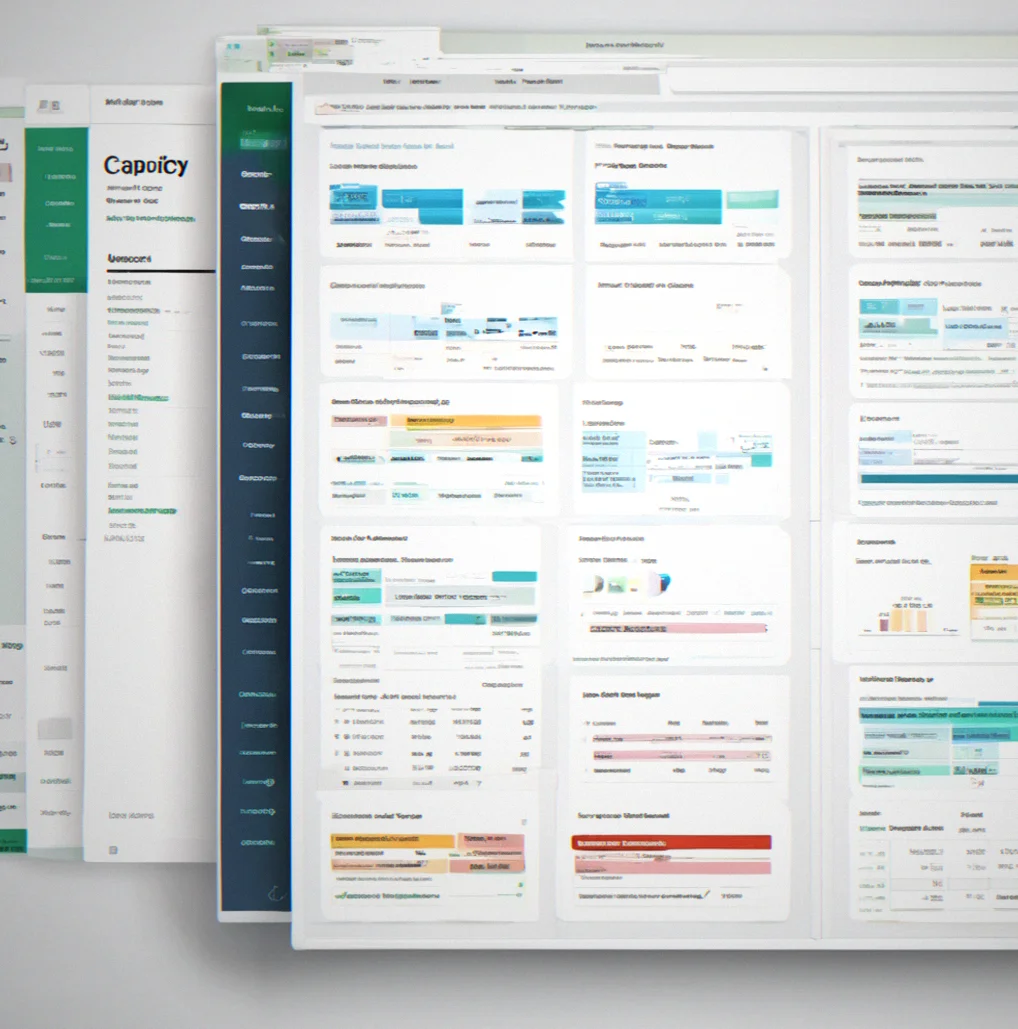
Main dashboard displaying five client entities with their respective filing status, pending documents, and last audit date in a single view

Multi-entity overview. Five entities, three jurisdictions, all visible at once. No toggling between systems or guessing which folder has the Nevada LLC documents.

File structure panel showing nested folders organized by entity, then by category (Tax Returns, Bank Statements, Payroll), with document count per folder

Enforced filing structure. Same organization for every client. New staff gets up to speed in a week instead of spending a month learning how each firm alphabetizes things differently.

Audit trail history showing 12 timestamped entries with user names, action descriptions, modified field names, and before/after values for reconciliation adjustments

Complete change history. Who moved that number? When? Why? It's all there. No digging through emails or chasing down scattered spreadsheet versions.

Client portal request form showing requested documents list, submission deadline, upload area, and completion percentage tracker at 60 percent

Client request tracking that actually works. Post what you need. Clients see the deadline. You watch completion status update in real time instead of calling to ask if they sent it yet.

Audit export preview showing organized PDF binder with table of contents, entity sections, and compliance checklist with all boxes marked complete

Ready to hand to the auditor. Everything organized, dated, indexed. They open the file and see preparation. That first impression in the first half hour shapes how the whole audit goes.

Common Workflows Solved

File Organization Across Multiple Client Entities

Managing a dozen separate entities means a dozen different folder structures if you're not careful. Softkedger enforces one standard. Tax returns go in the same place for every client, bank statements in the same subfolder, reconciliations stored identically. New staff learns the system once.

File tree structure showing standardized folder hierarchy replicated across multiple client entities

Reconciliation Without the Detective Work

Half your reconciliation time is hunting down the source document. Was that adjustment in the March statement or April? Who posted it? Where's the email with the accountant's note? SoftLedger links every entry to its source file. No guessing.

Reconciliation interface with linked source documents and audit trail shoowing transaction origin

Audit Trail That Actually Works

An auditor asks about a journal entry from months back. You have three options: dig through QB activity logs, ask staff who might remember, or admit the file was modified and you can't prove how. SoftLedger records every change with timestamp, user, and the exact value before and after.

Audit trail log displaying timestamped changes with user attribution and before/after values

Multi-Jurisdiction Compliance Rules

Delaware requires annual filings. Nevada doesn't. California has specific retention rules. Instead of maintaining a spreadsheet of requirements, SoftLedger maps them by entity and enforces them automatically. Document retention alerts fire on schedule. Nothing slips.

Compliance dashboard showing jurisdiction-specific filing requirements and retention deadlines by entity

Client Document Requests That Close

You email a client asking for their year-end bank statement and a few months of payroll records. They reply 'sent it.' It's not in your inbox. You ask again. Multiple emails later, still missing. SoftLedger lets clients upload directly to a request tracker. You see completion status in real time.

Client portal showing document request with submission deadline and upload progress percentage

QB and Xero Integration Without Rework

You upload an invoice to SoftLedger. It matches automatically to the QB transaction. No duplicate entry. No reconciliation between systems. The file lives alongside the accounting data instead of in a separate folder structure that nobody updates.

Integration flow showing QuickBooks transaction linked to corresponding uploaded document

Audit Export in Under Two Minutes

Friday before an audit. You export the entire client file as one PDF package. Organized by entity, sorted by category, complete with a table of contents and compliance checklist. Auditor sees preparation instead of hunting through folders.

Audit-ready expodt preview showing organized PDF structure with entity sections and index

Error Prevention Through Consistent Structure

Consistency matters. A lot. When filing structures vary between clients, errors multiply. Staff searching for where something should go. Documents filed in multiple places. Reconciliations duplicated or missed. Enforced structure eliminates guesswork.

Before/after comparison showing fragmented filing structuure versus unified standardized organization

Client Communication Transparency

Clients see what you need and when you need it. They track their own submission progress. Fewer callback questions because the portal shows the status. No surprises on delivery day.

Client dashboard view showing personal task list with document requests and completion tracking

Billable Hours Reclaimed

Between data organization, folder management, and reconciliation hunting, you're spending eight to twelve hours per complex client each month. SoftLedger consolidates that work. You recover those hours and use them on client strategy or staff training instead.

Time tracking dashboard showing reduced administrative hours and recovered billable capacity per client
?
Common Questions

FAQ

Most questions about SoftLedger boil down to three things: can it connect to what you're already using, what does it cost and will your team actually adopt it. Here's what you need to know.

It depends on how many clients you have and whether your files are actually organized. A typical firm with 15 mid-market clients and reasonably clean files gets through migration in 2 to 3 weeks. If everything's scattered across email, local drives and multiple cloud services, tack on another week or two. We give you a migration template and can handle bulk uploads.

It works alongside them. Think of SoftLedger as your documentation and filing layer. QB and Xero stay your accounting core — nothing changes there. The system connects to both via API and links documents to transactions automatically. You're not moving accounting data or redoing your chart of accounts.

Yeah, probably. This is built for firms running 10+ clients across multiple entities or jurisdictions. Solo practitioners or two-person shoos with straightforward client setups won't see the payoff from enforced filing standards. You'd start looking at it seriously once you hit 8 to 10 active clients.

Export customization is built in. Reorganize the export by entity, category, tax year, or date — whatever the auditor's asking for. Some Firms export multiple versions for different auditors. You set Preferences per client, and the export adjusts.

Both work. Clients get a portal to upload documents and check request status. They don't see other clients' files or your internal notes. You control visibility and whether they can download their own records.

Most firms report minimal disruption. Your team still uses QB or Xero the same way. Documents go into SoftLedger instead of scattered folders. The filing structure is fixed, which actually saves time once you're used to it — less debating where things go. Most staff feel comfortable with it after 2 to 3 weeks.

You export the entire package at 10 a.m. By 10:15 a.m. it's organized, indexed, dated, and sorted by entity. No digging around, no rearranging, no missing documents. That's the whole idea — you're audit-ready already, not scrambling last-minute.

Customization happens at the firm level, not per client. You set one structure and it applies across the board. That consistnecy is what cuts down reconciliation work and makes onboarding new staff faster. Changing it per client defeats the purpose and just creates headaches.

Monthly updates on compliance, filing, and workflow efficiency for mid-market accounting firms.

One email a month. Real stuff about cutting reconciliation time, handling multi-entity compliance, and fewer client callbacks. No marketing noise. You can leave whenever.

Work email

Done. Check your email to confirm.